
Sending questionnaires ahead of, and/or after a consult
On Embodia, you can use questionnaires to create outcome measures, intake forms, consent forms, and satisfaction surveys. You can also group questionnaires that are usually sent together in a questionnaire group.
Attaching questionnaire groups to your services or a consult
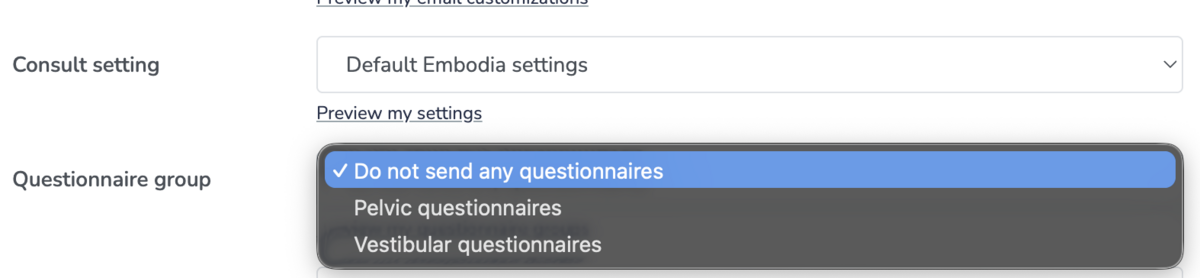
Once you have built your intake forms, outcome measures and consent forms into a questionnaire group, you can attach the questionnaire group to one or more of your services by selecting them from the drop-down menu when setting up/updating your services or when scheduling a consult.
Viewing completed questionnaires of a consult
From the Consults tab in your patient's profile, click on the Start time to visit the consult page.

On the consult page, you can see how many questionnaires were shared and completed by the patient. In the image below, the 1 / 2 means that 1 questionnaire was completed by the patient out of the 2 questionnaires that were shared with them:

Clicking on the number of questionnaires, you can see the details of the questionnaires shared, such as if they were completed, when they were first completed and when was the last update made by the patient:

You can click on the name of the questionnaire to view the patient responses.